Prompt Playback Node
A simple audio player that plays a single audio prompt to the caller, then moves on.
Great for announcements or disclaimers.
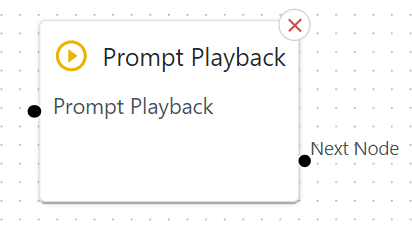
Basic Usage
Drag a Prompt Playback node into your flow.
Wire its input from a previous node (e.g., “Menu” or “Date & Time Switch”).
Configure which audio prompt it should play.
Wire its single outcome to the next node after playback finishes.
Detailed Parameters
Node Name

What: Give a meaningful name for the node
Audio Slot / Prompt
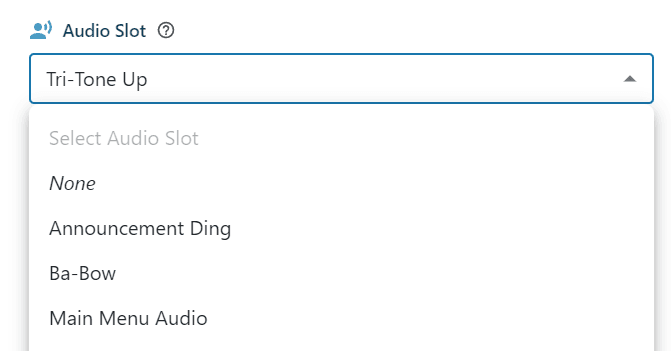
What: The recording or slot the caller hears (e.g., “Thank you for calling, please wait…”).
Tip: Keep it short for disclaimers. If it’s too long, callers might zone out.
Number of Repeats

What: How many times to play the recording in a row before continuing
Example Use Case
“Legal Disclaimer”: Place this node to play a short message about call recording or privacy before sending the caller to a Ring Group or Queue.